 GroGra/GroIMP
Demonstrates how to run GroIMP headless to render only the actual saved scene.
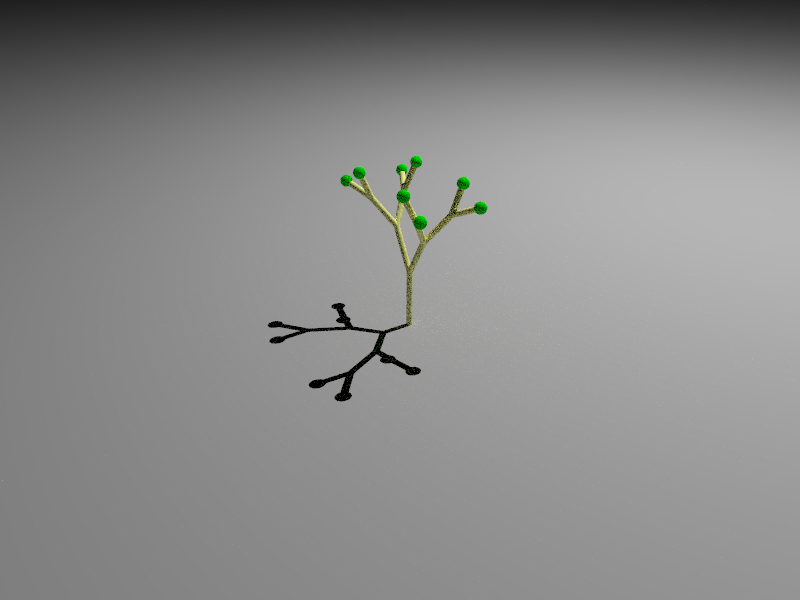
DOWNLOAD: renderHeadlessDemo2.gsz
SOURCECODE: renderHeadlessDemo2/
DATE: 19.06.2009
AUTHOR: M. Henke
DESCRIPTION:
SEED ... random seed for the raytracer
USERDIR ... your root directory
MODEL ... the name of the model you want to start
SIZE ... size of the image e.g. "800x600", "1200x900"
OUTFILE ... name of the output file
The command line to run GroIMP headless is:
java -cp BASE/XL-Core/build:BASE/Utilities/build:BASE/Graph/build:BASE/Platform-Core/build -Xmx1000m -Djava.util.prefs.userRoot=USERDIR de.grogra.pf.boot.Main --project-tree --headless --debug=INFO -Xraytracerseed=SEED -- -cmd "/cmdline/render=MODEL.gsz SIZE OUTFILE" 2> ~/render_out.txt
where you have to insert for
BASE ... the GroIMP pathSEED ... random seed for the raytracer
USERDIR ... your root directory
MODEL ... the name of the model you want to start
SIZE ... size of the image e.g. "800x600", "1200x900"
OUTFILE ... name of the output file