 GroGra/GroIMP
Search
Images sorted by naaaame:
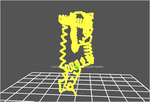
30_60_90triangle
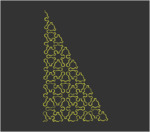
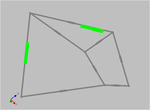
A 30-60-90 triangle dissects into three congruent 30-60-90 triangles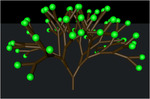
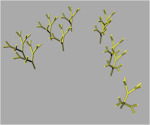
BranchingStructuresA
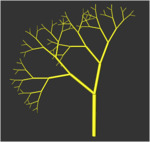
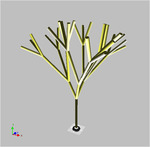
Examples of plant-like structures generated by bracketed OL-systems (edge-rewriting).
BranchingStructuresB
Examples of plant-like structures generated by bracketed OL-systems (edge-rewriting).
BranchingStructuresC
Examples of plant-like structures generated by bracketed OL-systems (edge-rewriting).
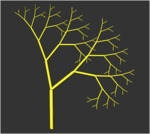
BranchingStructuresD
Examples of plant-like structures generated by bracketed OL-systems (node-rewriting).
BranchingStructuresE
Examples of plant-like structures generated by bracketed OL-systems (node-rewriting).
BranchingStructuresF
Examples of plant-like structures generated by bracketed OL-systems (node-rewriting).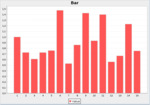
ChartsDemo2
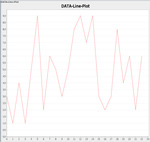
Shows different chart types and describes how to export the data into a file.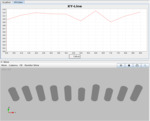
ChartsDemo3
Showes how to change values supplementary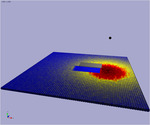
ColourGradient_LM
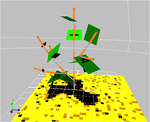
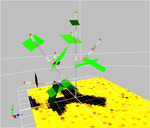
Demonstrates different colour gradients: a) simple, b) two colour c) tree colours, d) spectrum specific. The colours will be changed according to the amount of light which is absorbed by the objects.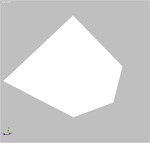
ExcelFileDemo
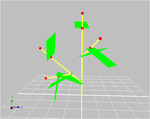
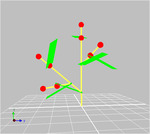
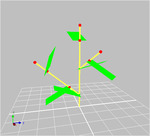
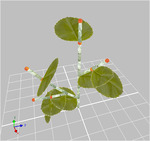
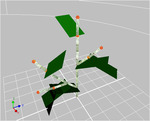
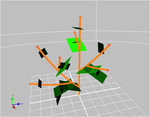
Demonstrates how Excel files can be loaded by a model. For example to load climate data and so on.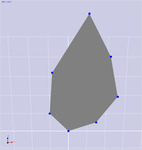
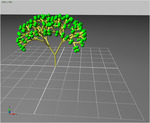
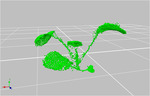
GRSMeshLeaf
Leaf shape is describeb by a sequence of measured coordinates leaf.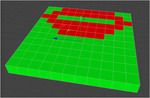
OpenFileDemo
This model describes how to use external files into your model. It provides a FileOpenDialog of a hard implemented file name. You can use this file for configure your model or like in this demonstration to load a structure.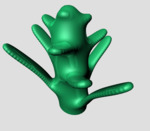
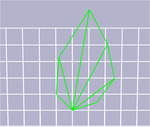
PolygonMeshLeaf
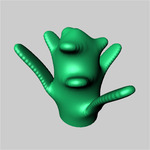
Leaf shape is describeb by a sequence of triangles repesenting the single facets of a leaf.
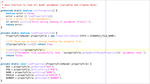
PropertyFileDemo
Demonstrates how external propertiy files can be loaded.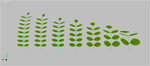
RobiniaLeaf
Leaf module with produced a sequence of leaflets.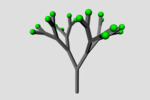
Serialize
This example shows how to write a subgraph into an XML document, and how to read that document and add it to the current graph.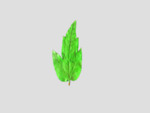
ShaderSenescence
This model uses two images, one for a juvenile and one for an adult state, to simulate senescence in leaves with a simple alpha blending.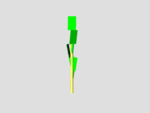
SlopePetiole
Petiole with an integrated mechanism to slope it without an additional RLPetiol-Node like in some models, which hast to be updated with an own rule. So the petiole itself can control his slope angle (depending on age or weight for example).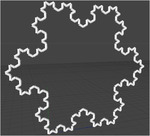
Supershape
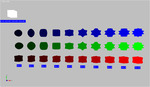
An implementation of Johan Gielis's Superformula. See http://en.wikipedia.org/wiki/Superformula for more informations.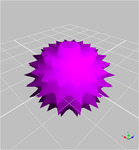
SupershapeAnimation
An animated implementation of Johan Gielis's Superformula. See http://en.wikipedia.org/wiki/Superformula for more informations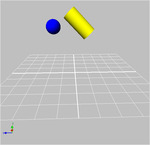
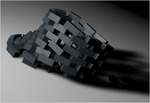

XL4C4D
InstallationXL4C4D is a plug-in to integrate the XL programming language (see http://www.grogra.de) in CINEMA 4D (see http:://www.maxon.net). It is currently only available for OSX >= 10.6 and CINEMA 4D >= R13.
To install the plug-in, copy the file XL4C4D.zip to the plugins-folder of CINEMA 4D and unpack it there such that a folder XL4C4D is created which contains xl4c4d.dylib. In the folder named "source" you can find the Java source files (just as a reference, you don't need them), the folder "examples" contains some examples.
Features
The plug-in defines three entries in the Plugins/XL4C4D menu:
- There is an XL console where output from the XL execution is shown, and where you can also directly type in XL code. Typed in code will be executed immediately, and the result will be shown in the console.
- The XL Instance is similar to a normal Instance object, but it scales and translates the instanced object according to several parameters which are useful for XL models.
- The XL Object allows to enter XL code to describe an XL model. It can also be used as a generator if you use instantiation rules.
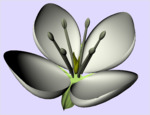
abc_model
The ABC model predicts flower morphogenesis on the basis of a regulatory network. This simulation produces the wildtype and mutants.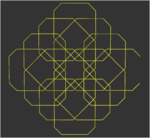
ant
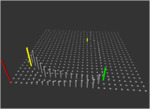
Ants are a popular subject in Artificial Life. A simplistic simulation can be implemented easily.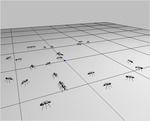
ant_simulation
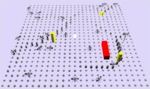
A simple ant model. In this model, a population of ants lives in a rectangular grid world consisting of an array of empty and non-empty (food) cells. The ants move randomly and release pheromone while moving. Released pheromone decays by and by. Ants remember the last twenty cells visited. The movement is biassed by pheromone values of the cells in reach, a direction-preserving tendency, the memory and a random effect. The non-empty food cells stimulate pheromone deposition of ants. Altogether, this results in 'pheromone trails' being formed which link food sources with each other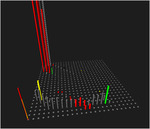
antb
Ants are a popular subject in Artificial Life. A simplistic simulation can be implemented easily.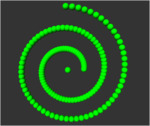
biomorph
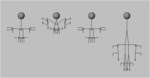
This project contains an implementation of the "Blind Watchmaker" algorithm as a relational growth grammar in the language XL (see the file Biomorph.xl). When the relational growth grammar is initialised, four individual biomorphs are created and shown in the 3D view. You can select one individual by clicking on the small sphere at its base. Now ensure that the panels of the RGG layout are visible (choose this layout in the menu Panels/Set Layout). You will see the RGG toolbar with the buttons run, Run run, Stop, and Reset. A click on run then creates a new generation of individuals based on the genome of the selected parent (asexual reproduction). If you select two individuals (the Ctrl key has to be pressed while clicking the second individual) and invoke run, the genomes of both parents are combined in a crossing-over step, then a new generation is created (sexual reproduction). Accumulated mutations in a certain direction (biassed by the user) lead to a shortcut through the multidimensional genotypic and phenotypic parameter space, thereby arriving at "biomorphs", i.e. structures that look like animals or plants or possess other, "strange" morphologies.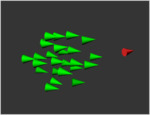
boids
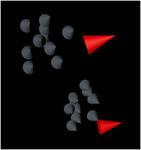
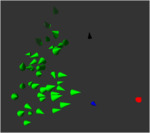
Demonstrates animation of virtual birds. The boids (green) follow the master (red) while staying in a group and keeping distance to their neighbours.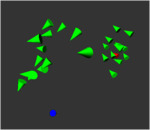
bush
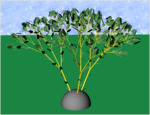
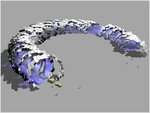
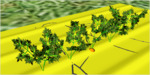
A bush is modelled based on an example in the book "The Algorithmic Beauty of Plants" of Przemyslaw Prusinkiewicz and Aristid Lindenmayer. This example makes use of some of GroIMP's advanced graphics features.
carrot_field
This simplistic model of a carrot field contains a set of carrots that compete for light. A water vole (Arvicola terrestris, a rodent) digs a burrow system and feeds on carrot roots.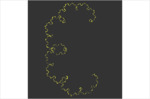
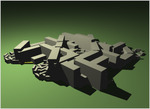
city
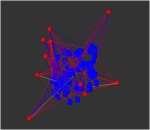
This is a model of artificial growth of buildings. Given a set of existing context buildings and trees, new buildings are added with initially circular shapes. These shapes grow by moving away from the centre, thereby respecting obstacles, i.e., other buildings or trees.
clock001
A 'world' clock, done during the FSPM course 2007 at Zhejiang university, Hangzhou, China
clock_interpr2
Interpretive rule example 2 (clock)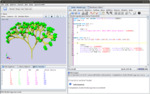
compiler
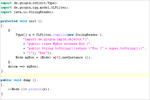
Example demonstrating how to call the compiler programmatically from within an application.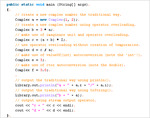
complex
Example demonstrating the use of operator overloading.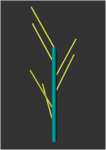

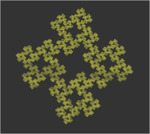

daisy
Simple structural model of Common Daisy (Bellis perennis)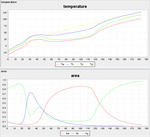
daisyWorldTA
This model describes how an external java-file can be used within a xl-model.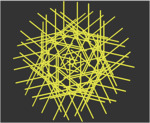
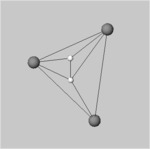
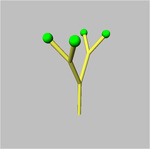
export3DScene
Demonstrates how the current 3D scene can be exported into several different formats.Currently supported formats:
- dxf
- x3d
- mtg
fernMod
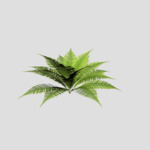
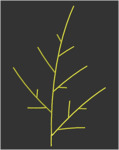
Simple structural model of Male Fern (Drypteris filix-mas)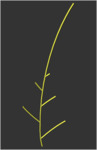

flownet
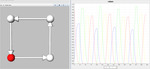
This model illustrates a simple circular biosynthesis network consisting of four nodes (metabolites) connected by edges (enzymatic reaction). Each substrate is completely transformed into its product (following a Michaelis-Menten kinetics) before the next reaction commences.
functionRefDemo
describes how external functions can be used
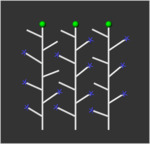
globally_sensitive
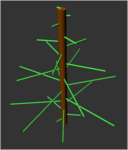
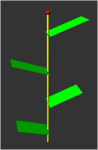
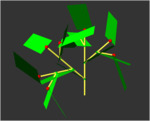
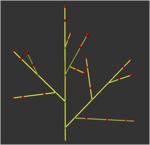
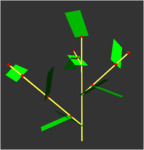
Green and red growing lines that perform collision avoidance.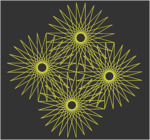
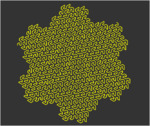
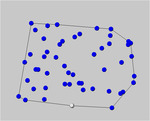
graham
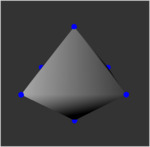
calculates the convex hull of a set of points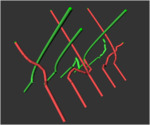
growing_lines
There are two types of lines growing into two different directions. The parameter n determines the speed of growth.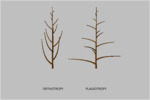
growthDirection
Simple model of a general orientation of lateral axes:- orthotropy - erect,
- basitropy - horizontal.
helicopter
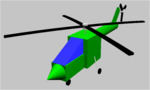
Demonstration of animated objects, for instance a helicopter.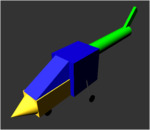
instancing
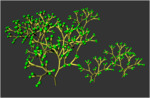
Tree template creates ten copies of the tree, translated to random positions.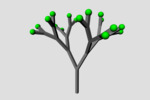
instantiation
This example demonstrates how instantiation rules can be used to provide different visual appearance (of module Organ) depending on some parameter (type).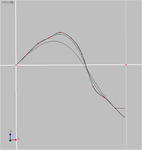
interpolationDemo
Demonstrates how an interpolation of points can be realised. Including: Hermite, B-Spline and cubic interpolations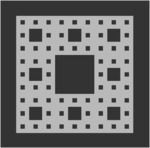
irreg
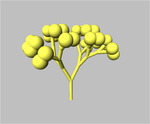
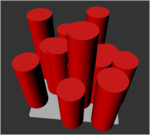
Specification of an irregular forest stand structure in an two-dimensional layer.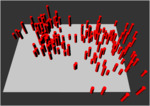
irreg2
Specification of an irregular forest stand structure in an two-dimensional layer (with cluster and adjusted trees).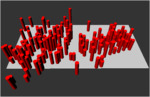
irreg2_z
Stand with randomly distributed clusters of trees, close neighbourship excluded.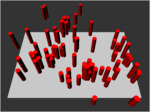
irreg3
Specification of an irregular forest stand structure in an two-dimensional layer (with clusters and "location"-function).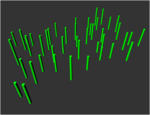
irreg_z
Specification of an irregular stand structure in the 2D plane with random tree coordinates, but close neighbourhoods of larger individuals excluded.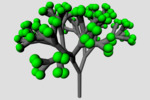
janvos_transport3
After the workshop "Modelling Plants with GroIMP" from 10th to 12th March 2008 in Cottbus this model was created to demonstrate how to simulate combined transport and growth processes in a virtual plant. Carbon allocation in leaves is simulated by increasing the carbon concentration by a fixed rate. Diffusion is used to simulate transport processes in the plant. Growth is obtained by converting a fraction of carbon into length. The carbon concentration is visualized by the diameter of the cylinders and spheres. If carbon concentration in a leaf rises above some threshold value dichotomous branching is performed.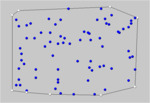
jarvis
calculates the convex hull of a set of points
jump1
This example illustrates the instant rearrangement of a node in a graph, graphically represented a slider moving along a piston.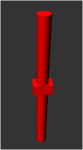
jump2
Same as in the previous example, but here the new position of the slider is looked up randomly.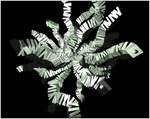
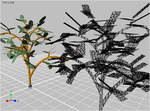
laser_scanner
demonstrates use of virtual laser scanner to create a point cloud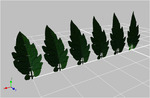
leafFacets
The model produced an 3D leaf structure based on a single image as texture.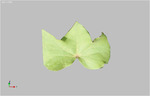
leafHeightField
This leaf model works with an height field (a simple grey style image) as input to scale the z-achses to get a 3D shape.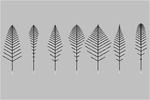
leaf_structures
A family of simple leaves generated using a parametric L-system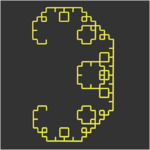
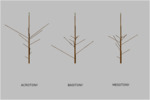
longSymmetry
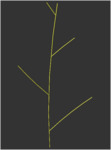
Simple model of a preferential development of lateral axes on a vertical parent shoot (longitudinal symmetry):- acrotony - in the distal part,
- basitony - in the basal part,
- mesotony - in the median part,
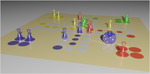
ludo
This is an implementation of the Ludo game, including human and computer players with different strategies.
makeGraphDemo
by using the makeGraph command a new node or even a new sub graph can be inserted into the existing graph
measureModelData
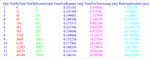
On the example of the binary tree the graph size, the size of the scene graph (subset of the graph which will be drawn in the 3D View), the time for one repaint cycle, time for traversing the whole graph and the time for the rule application will be measured and printed out.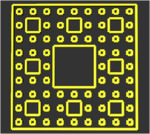
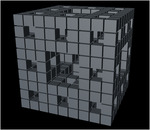
menger1
Menger sponge with lines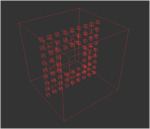
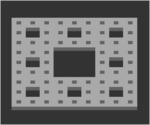
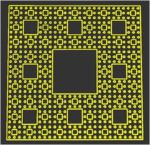
menger1b
Menger sponge with box, developed from lines.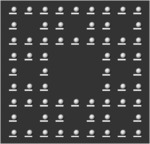
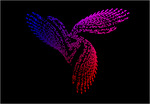
miraCurve
Mira's ModelThe coordinates of the points on the Mira curve are generated iteratively through the following system of nonlinear difference equations:
x(k+1) = by(k)+F(x(k))y(k+1) = -x(k)+F(x(k+1))
where
F(x) = ax + (2(1-a)x*x)/(1+x*x)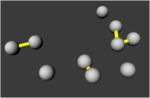
molecules
Atoms in a 2D-box, floating around and building molecules.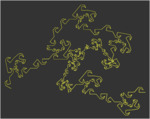
nerve
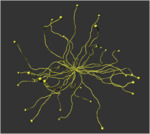
This model demonstrates the use of directional tropism to grow AWAY from the center in combination with random changes in direction of growth.
nurbs_tree
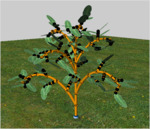
Stem and branches of this tree are modelled as skinned NURBS surfaces, using the Surface turtle command as a generalized cylinder. This is another example of GroIMP's advanced graphics features.
oscNetwork
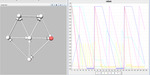
Illustrates the setup of a simple network, which oscillates between two different topologies.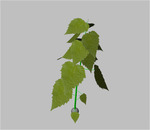
pappel
siehe Modell
particle
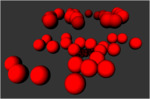
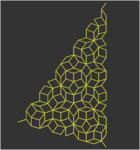
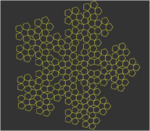
Simulation of uprising gas bubbles in a liquid: spherical particles are emitted from a common source and dispersed randomly within a funnel-shaped space that widens with distance from the source. Bubbles are bursting at the imaginary surface of the liquid.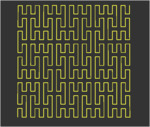
phytophag
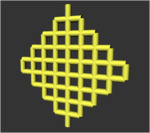
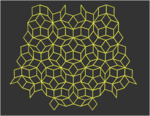
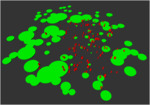
Specification of a grazing and competition model with circular-shaped plants and animals. WITHOUT MUTATION. Version with plant rules and animal rules in different blocks.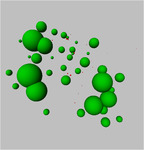
phytophag_1
Specification of a competition model with circular plants and animals; WITHOUT MUTATION. Version with all rules in one block.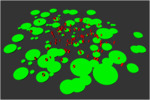
phytophag_mut
Specification of a grazing and competition model with circular-shaped plants and animals. WITH MUTATION. Version with plant rules and animal rules in different blocks.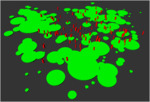
phytophag_z
Specification of a grazing and competition model with circular-shaped plants and animals.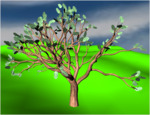
pipe
This L-system models the branching width of a tree based on the pipe model. The example is a translation of the example "tree-shedding" of the L-Studio software.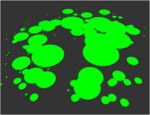
plants
Specification of a grazing and competition model with circular-shaped plants (Pflanzen-Teil des Phytophagen-modells)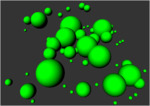
plants_chart
Specification of a grazing and competition model with circular-shaped plants (Plant part of the herbivore model), VERSION WITH CHART.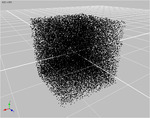
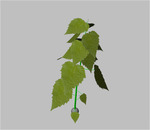
poplar
see model
print_in_file1
Example illustrating data output to a file. Version 1: local definition within the run method.
print_in_file2
Example illustrating data output to a file. Version 1: global definition within the head of the rgg file.
rad_test
Specification of a crown radius competition model in the 2D plane. Version with access to counter via an "ancestor" edge.
radii
Specification of a crown radius competition model in the 2D plane. Version with access to counter via an "ancestor" edge.
radii2
Specification of a crown radius competition model using the distance between the planting positions, threshold distance for competition and opening angle of sensitive cone.
radii_z
Specification of a competition model based on relations between representative crown radii of each tree.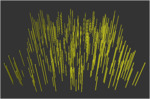
randompoints
Creates a population of 300 (tree) individuals with random (x,y) position and height.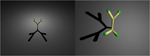
renderHeadlessDemo
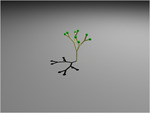
Demonstrates how to run GroIMP headless (without a GUI) and how the internal model can be automatically run several steps.Furthermore at each step the actual scene will be rendered form two viewing directions and the result images will be saved.
The command line to run GroIMP headless is:
java -cp BASE/XL-Core/build:BASE/Utilities/build:BASE/Graph/build:BASE/Platform-Core/build -Xmx1000m -Djava.util.prefs.userRoot=USERDIR de.grogra.pf.boot.Main --project-tree --headless --debug=INFO MODEL.gsz 2> ~/render_out.txt
where you have to insert for
BASE ... the GroIMP pathUSERDIR ... your root directory
MODEL ... the name of the model you want to start
renderHeadlessDemo2
The command line to run GroIMP headless is:
java -cp BASE/XL-Core/build:BASE/Utilities/build:BASE/Graph/build:BASE/Platform-Core/build -Xmx1000m -Djava.util.prefs.userRoot=USERDIR de.grogra.pf.boot.Main --project-tree --headless --debug=INFO -Xraytracerseed=SEED -- -cmd "/cmdline/render=MODEL.gsz SIZE OUTFILE" 2> ~/render_out.txt
where you have to insert for
BASE ... the GroIMP pathSEED ... random seed for the raytracer
USERDIR ... your root directory
MODEL ... the name of the model you want to start
SIZE ... size of the image e.g. "800x600", "1200x900"
OUTFILE ... name of the output file
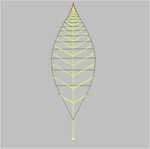
rose_leaf
A rose leaf using a parametric L-system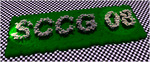
sccg
Logo of virtual daisy created for SCCG'08 (Spring Conference on Computer Graphics).
shapes
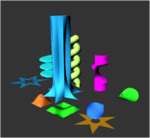
Demonstration of many possible NURBS surfaces.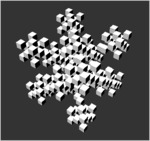
sierpinskiBenchmarkGroIMP
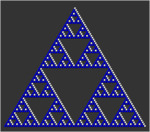
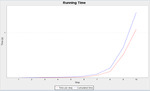
This is the variant which uses the graph of GroIMP.


simpleLightModelDemo
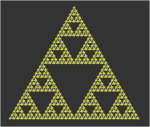
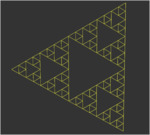
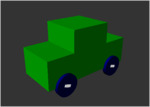
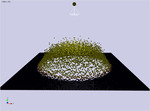
Visualise the light distribution of a spot light on the ground. The position and colour of the spheres indikates the quantity of the light reaching the ground.At each step the random seed of the lightmodel will be randomly changed.


sm09_b01
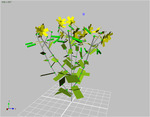
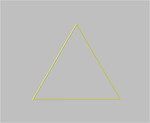
Sie lernen an diesem Beispiel:- wie Sie ein einfaches Modell eins Dreiecks als statische Struktur erstellen
- wie Sie Kommentare in den Code einfuegen koennen
sm09_b02
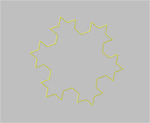
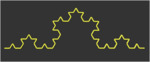
Sie lernen an diesem Beispiel:- wie Sie ein einfaches Modell eines Dreiecks bearbeiten und zu einer Koch-Kurve erweitern
- Ihre erste "echte" Regelanwendung
- die Definition einer oeffentlichen Methode "anwendung" (Regelanwendung)
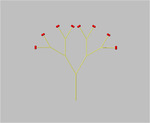
sm09_b03
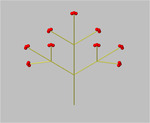
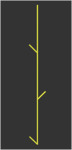
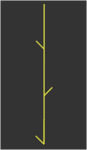
Sie lernen an diesem Beispiel:- wie Sie ein einfaches Pflanzenmodell (nach dem Architekturmodell Schoute) erstellen
- wie sie Verzweigungen (Subgraphen) mit [ ] angeben
sm09_b04
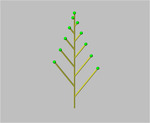
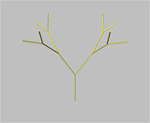
Sie lernen in diesem Beispiel:- wie Sie mehrere Regelbloecke zur interaktiven Verwendung (Aufruf durch den Nutzer) bereitstellen
- welche Auswirkungen die Verwendung dieser Regelbloecke hat.
Fuehren Sie die Regelbloecke in unterschiedlichen Variationen aus, modifizieren Sie sie ggf.
sm09_b06
siehe Modell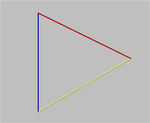
sm09_b07
siehe Modell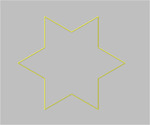
sm09_b08
siehe Modell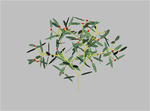
sm09_b10
siehe Modell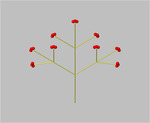
sm09_b11
siehe Modell
sm09_b12
siehe Modell
sm09_b13
siehe Modell
sm09_b14
siehe Modell
sm09_b15
siehe Modell
sm09_b16
siehe Modell
sm09_b17
siehe Modell
sm09_b18
siehe Modell
sm09_b19
siehe Modell
sm09_b20
siehe Modell
sm09_b21
siehe Modell
sm09_b22
siehe Modell
sm09_b23
siehe Modell
sm09_b24
siehe Modell
sm09_b25
siehe Modell
sm09_b26
siehe Modell
sm09_b27
siehe Modell
sm09_b28
siehe Modell
sm09_b29
siehe Modell
sm09_b30
siehe Modell
sm09_b31
siehe Modell
sm09_b32
siehe Modell
sm09_b33
siehe Modell
sm09_b34
siehe Modell
sm09_b35
siehe Modell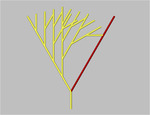
sm09_b36
siehe Modell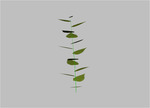
sm09_b37
siehe Modell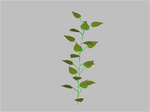
sm09_b38
siehe Modell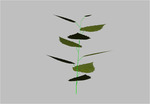
sm09_b39
siehe Modell
sm09_b40
siehe Modell
sm09_b41
siehe Modell
sm09_b42
siehe Modell
sm09_b43
siehe Modell
sm09_b44
siehe Modell
sm09_b45
siehe Modell
sm09_e01
see model
sm09_e02
see model
sm09_e03
see model
sm09_e04
see model
sm09_e05
see model
sm09_e06
see model
sm09_e07
see model
sm09_e08
see model
sm09_e10
see model
sm09_e11
see model
sm09_e12
see model
sm09_e13
see model
sm09_e14
see model
sm09_e15
see model
sm09_e16
see model
sm09_e17
see model
sm09_e18
see model
sm09_e19
see model
sm09_e20
see model
sm09_e21
see model
sm09_e22
see model
sm09_e23
see model
sm09_e24
see model
sm09_e25
see model
sm09_e26
see modell
sm09_e27
see model
sm09_e28
see model
sm09_e29
see model
sm09_e30
see model
sm09_e31
see model
sm09_e32
see model
sm09_e33
see model
sm09_e34
see model
sm09_e35
see model
sm09_e36
see model
sm09_e37
see model
sm09_e38
see model
sm09_e39
see model
sm09_e40
see model
sm09_e41
see model
sm09_e42
see model
sm09_e43
see model
sm09_e44
see model
sm09_e45
see model
sm09_fichte
siehe Modell
sm09_spruce
see model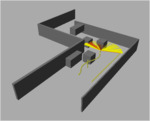
smart_line
This is a demo scene for using an intersection avoidance mechanism. Play around with the values and see what happens. The class AvoidIntersection uses rays and intersection tests to obtain a new direction for growth.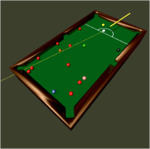
snooker
This is kind of snooker "light".Implemented aspects are:
- scoring system based on balls potted and direct fouls (no indirect scoring after opponent's faults aso.)
- scoring after all red balls are potted.
- resettable table after foul.
- automatic ball reset for coloured balls regarding used spots and using touching ball when all spots are used.
- possible free placement in the D when ball in hand.
sphere
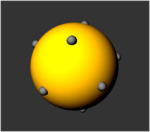
A number of small spheres initially randomly located on the surface of a large sphere. When running the model the spheres are displaced randomly in small steps as to equally distribute them over the surface. In other words, the distances to neighbouring spheres converge.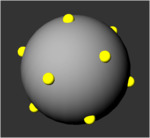
sphere2
A number of small spheres initially randomly located on the surface of a large sphere. When running the model the spheres are displaced randomly in small steps as to equally distribute them over the surface. In other words, the distances to neighbouring spheres converge.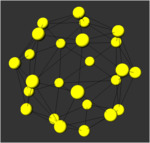
sphere3
A number of small spheres initially randomly located on the surface of a large sphere. When running the model the spheres are displaced randomly in small steps as to equally distribute them over the surface. In other words, the distances to neighbouring spheres converge. Grid version.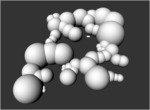



twoplants
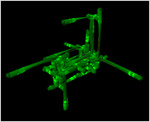
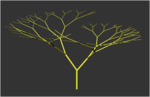
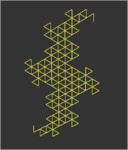
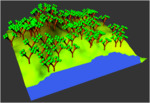
Specification of a grazing and competition model with circular-shaped plants [(plant part of the herbivore model), cf. Kurth & Sloboda 2001, p. 11]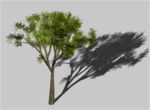
ulmus
Growth simulation of an elm. The target is the visual impression, not the simulation of biological processes. See comments in the run-method for usage.